


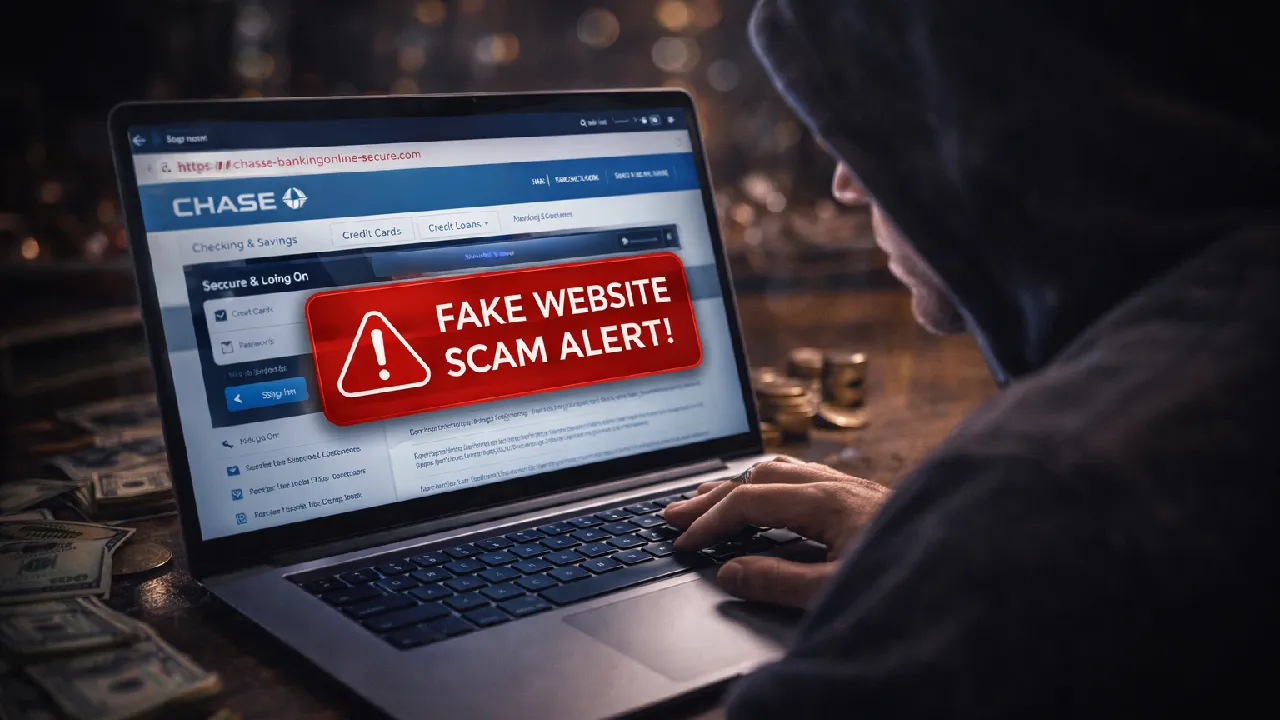
Fake Website Protection
Learn how fake websites trick users into sharing sensitive information and how you can identify and avoid these online scams.
Fake websites are fraudulent web pages created to look like legitimate websites such as banks, shopping platforms, or government portals. Their main goal is to trick users into entering personal, financial, or login information.
These websites often appear very real, making it difficult for users to identify them at first glance.
Understanding Fake Websites
Fake websites are a type of online fraud where scammers replicate trusted platforms to deceive users into sharing sensitive data.
The goal is to collect information such as usernames, passwords, OTPs, and financial details for misuse.
These scams can target anyone using the internet, including individuals and businesses.
Common Types of Fake Websites
Fake Banking Websites
Scammers create websites that look identical to real bank portals.
They trick users into entering login credentials, OTP codes, and account details.
Fake E-commerce Websites
These sites offer extremely low prices and unrealistic discounts.
After payment, products are never delivered or fake/low-quality items are sent.
Phishing Login Pages
Users receive links that lead to fake login pages of popular platforms.
Once entered, usernames and passwords are stolen.
Government Impersonation Websites
Scammers copy official government websites and claim services like tax refunds, benefits processing, or license renewals.
They collect sensitive personal information.
Fake Tech Support Pages
These sites show pop-ups like “Your system is infected!”.
They force users to call fake support numbers or download harmful software.
How to Recognize Fake Websites
Users should look for these warning signs:
- URL spelling mistakes (e.g., amaz0n.com instead of amazon.com)
- No HTTPS (no secure lock icon)
- Poor website design or broken pages
- Offers that seem too good to be true
- Urgent pop-ups or warnings
- Requests for sensitive information
Always double-check the website before entering any details.
How to Stay Safe from Fake Websites
To reduce the risk, follow these best practices:
- Always check the website URL carefully
- Look for HTTPS and security certificate
- Avoid clicking unknown links
- Use official apps or bookmarks
- Never enter personal details on suspicious sites
- Use browser security extensions
If something feels suspicious, leave the website immediately.
What To Do If You Visit a Fake Website
- Leave the website immediately
- Do not enter any personal information
- Clear your browser cache
- Run a security scan on your device
- Report the website
If You Have Already Shared Information
Take action immediately:
- Change all passwords
- Inform your bank if financial details were entered
- Enable two-factor authentication (2FA)
- Monitor your accounts for suspicious activity
You can also submit a help request on our platform, and our team will guide you with the next steps.
Why Awareness Matters
Fake websites are becoming more advanced and harder to detect.
By staying alert, you can protect your identity and personal data, avoid financial loss, and browse safely online.