


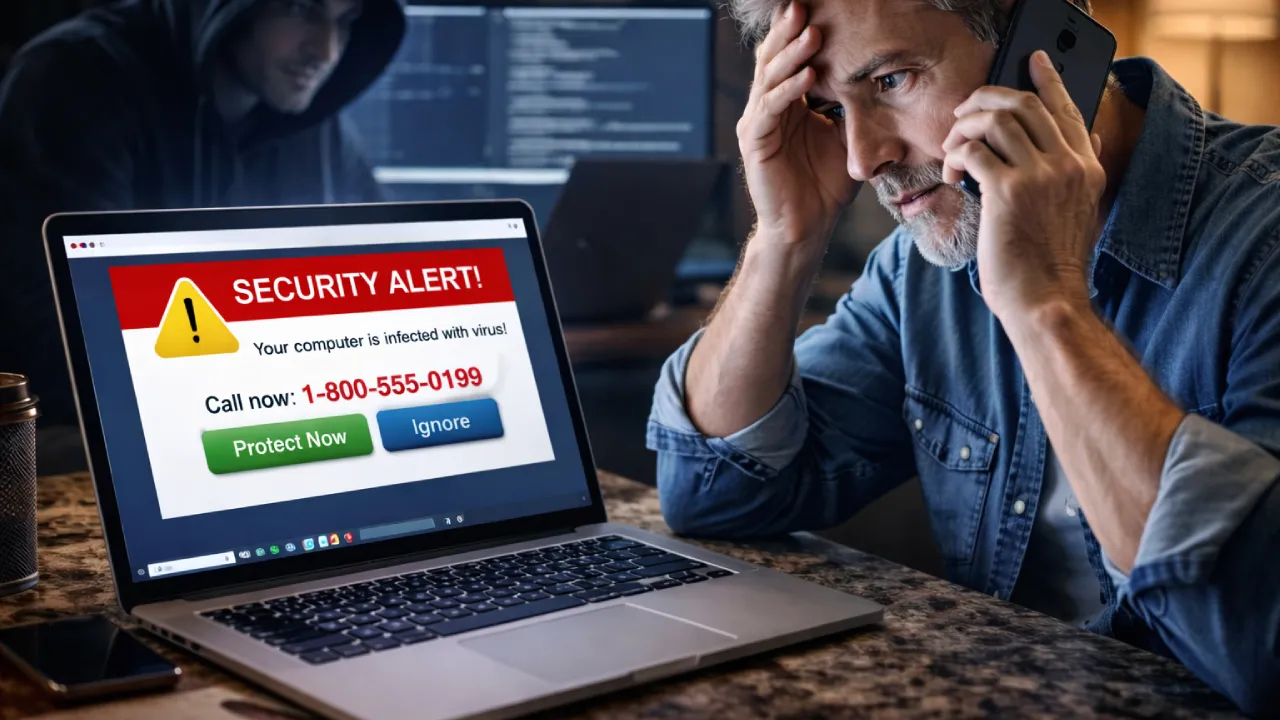
Tech Support Scam Protection
Learn how tech support scams trick users into giving access to their devices or paying for fake services, and how you can recognize and avoid these scams.
Tech support scams are fraudulent schemes where scammers pretend to be technical support representatives from well-known companies like Microsoft, Apple, or antivirus providers.
They claim that your device has a problem such as a virus, security breach, or system error, and try to trick you into giving access to your device or paying for fake services.
Understanding Tech Support Scams
Tech support scams are a type of fraud where attackers use fear and urgency to convince users that their device is compromised.
The goal is to gain remote access, steal personal information, or collect money for fake services.
These scams can target anyone using computers, smartphones, or the internet.
Common Types of Tech Support Scams
Pop-up Warning Scams
You may see messages like “Your computer is infected!” or “Call this number immediately!”.
These pop-ups look like official alerts and create panic to force quick action.
Fake Tech Support Calls
Scammers call and claim they detected a problem on your device or that your system is at risk.
They may ask you to install remote access software or share sensitive information.
Remote Access Scams
Scammers convince you to install remote desktop tools.
Once connected, they gain full control of your device and access files, passwords, and accounts.
Fake Antivirus Services
Scammers offer cheap or free antivirus solutions.
In reality, the software is fake or malicious and used to steal data or money.
Subscription Renewal Scams
You may receive emails or calls about expiring subscriptions.
Scammers trick you into paying for fake renewals or ask for payment details.
How to Recognize Tech Support Scams
Users should look for these warning signs:
- Unexpected pop-ups or calls about device issues
- Pressure to act immediately
- Requests for remote access
- Asking for payment to fix issues
- Unofficial phone numbers or websites
- Claims from companies without prior contact
Always verify before trusting such alerts.
How to Stay Safe from Tech Support Scams
To reduce the risk, follow these best practices:
- Never trust random pop-ups or calls
- Do not allow remote access to unknown persons
- Use official support channels only
- Keep your software and antivirus updated
- Avoid downloading unknown programs
- Verify before making any payment
If something feels suspicious, do not proceed.
What To Do If You See a Scam Alert
- Do not click on pop-ups
- Close the browser immediately
- Restart your device
- Run a full antivirus scan
- Avoid calling unknown numbers
If You Gave Access or Paid
Take immediate action:
- Disconnect your device from the internet
- Uninstall any suspicious software
- Change all your passwords
- Contact your bank if payment was made
- Report the incident
You can also submit a help request on our platform, and our team will guide you with the next steps.
Why Awareness Matters
Tech support scams rely on fear and urgency.
By staying aware, you can protect your devices and data, avoid financial loss, and stay safe from cyber threats.